Adding snowfall to Mkdocs - because why not
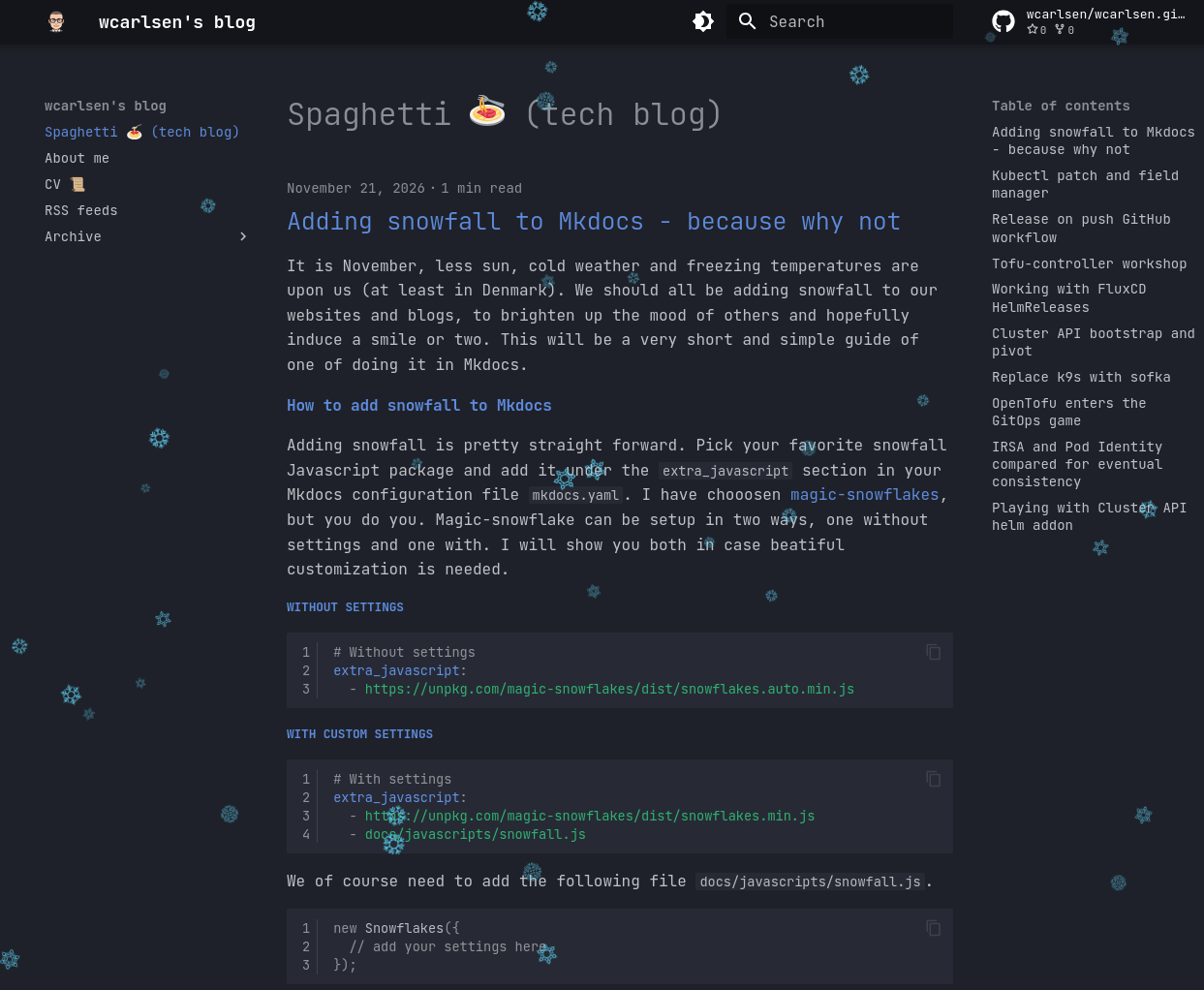
It is November, less sun, cold weather and freezing temperatures are upon us (at least in Denmark). We should all be adding snowfall to our websites and blogs, to brighten up the mood of others and hopefully induce a smile or two. This will be a very short and simple guide of one of doing it in Mkdocs.
How to add snowfall to Mkdocs
Adding snowfall is pretty straight forward. Pick your favorite snowfall Javascript package and add it under the extra_javascript section in your Mkdocs configuration file mkdocs.yaml. I have chooosen magic-snowflakes, but you do you. Magic-snowflake can be setup in two ways, one without settings and one with. I will show you both in case beatiful customization is needed.
Without settings
With custom settings
We of course need to add the following file docs/javascripts/snowfall.js.
It is recommended to use the color blue for the snowflakes, since it works great in both light and dark mode.